Essential DJ Gear for Beginners
Discover the essential pieces of kit that aspiring DJs need in their creative arsenal.


There's no definitive answer to what equipment a DJ should have.
Instead, aspiring DJs should consider what works best for them and ask themselves a series of questions - will they be playing vinyl? Or digital music? Will they be looking to DJ in bars and clubs? Or is this going to be a domestic hobby? How much budget do they have to spend on equipment? And how much space do they have to give it a home?
There is an array of different pieces of kit, setups and DJ formats available for today's emerging DJs.
Whereas in the past, your only option was to utilise vinyl and turntables to blend music together, now the advent of technology and digital music has made multiple formats and options possible."
As ICMP launches its new one-year DJ & Electronic Music Production course, we explore the essential DJ gear needed for beginners. Check out our guide below...
Turntables

The turntable is perhaps the most well-known and recognisable way for DJs to play records and has helped music lovers enjoy listening to music since the 1940s.
One of the most significant events in DJ history took place in 1970 when the world's first direct drive turntable, the Technics SP-10, was launched. In the following year, the SL-1100 with an integrated tonearm was released. Following that, a version with a more compact integrated system, the first-generation SL-1200, was unveiled.
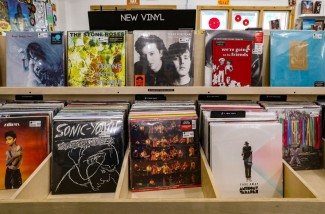
After a fallow period, vinyl is now very much back in fashion with the latest figures from the BPI illustrating this renewed passion for the format. According to their statistics, total revenue from vinyl, CD and other physical music formats increased by 1.3 percent in 2024 to £246.5m, compared to a rise of 12.8 percent the year before. Within this, revenue from vinyl LPs rose by 2.9 percent to £145.7m.
How to use turntables
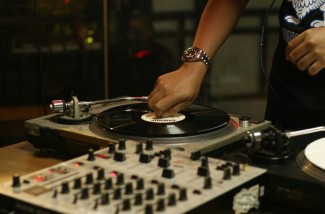
When DJing, two turntables are required to mix each record from deck number one into deck number two, via the mixer. Once a track has been mixed out from the other, you can start to mix another track from the previous deck back in.
Direct drive and belt drive
Direct drive turntables are known for their durability and accurate playback speed and are great for scratching and manipulating records. The belt drive turntables are more affordable and offer better sound quality for casual listening.
It was in the Bronx in New York in August 1973 when turntablism first appeared at a street party through the skills of DJ legend, Kool Herc. He used two turntables to play the rhythm section of a song from two vinyl records alternately and repeatedly to ramp up energy to get the audience up and dancing.
CDJs

In recent years, CDJs have become a favoured and more accessible piece of kit for budding DJs. It was back in 1994 when the CDJ first emerged due to the popularity of the CD format among music fans.
Roger Sanchez has been part of the CDJ journey from the very start, helping to develop Pioneer DJ's first DJ products and transitioning from vinyl to CD early on.
The CDJ has evolved in terms of technical innovation with the Pioneer CDJ-3000 now the current club standard and the most common professional-grade CDJ in modern clubs.
CDJ benefits
CDJs offer some advantages when compared with vinyl, including how they remove the need to worry about malfunctioning turntables or poorly maintained needles.
When you're scratching, the needle can't 'skip' like it can on a record. They are also easy to cue back to the beginning of the track by pressing the 'cue' button, as opposed to rewinding a vinyl record and searching for the first beat.
All of the music you use on CDJs can also be transferred onto a USB stick or storage device that you can carry around in your pocket - and is significantly better for your back than lugging two bags of vinyl records to a club gig."
Mixers
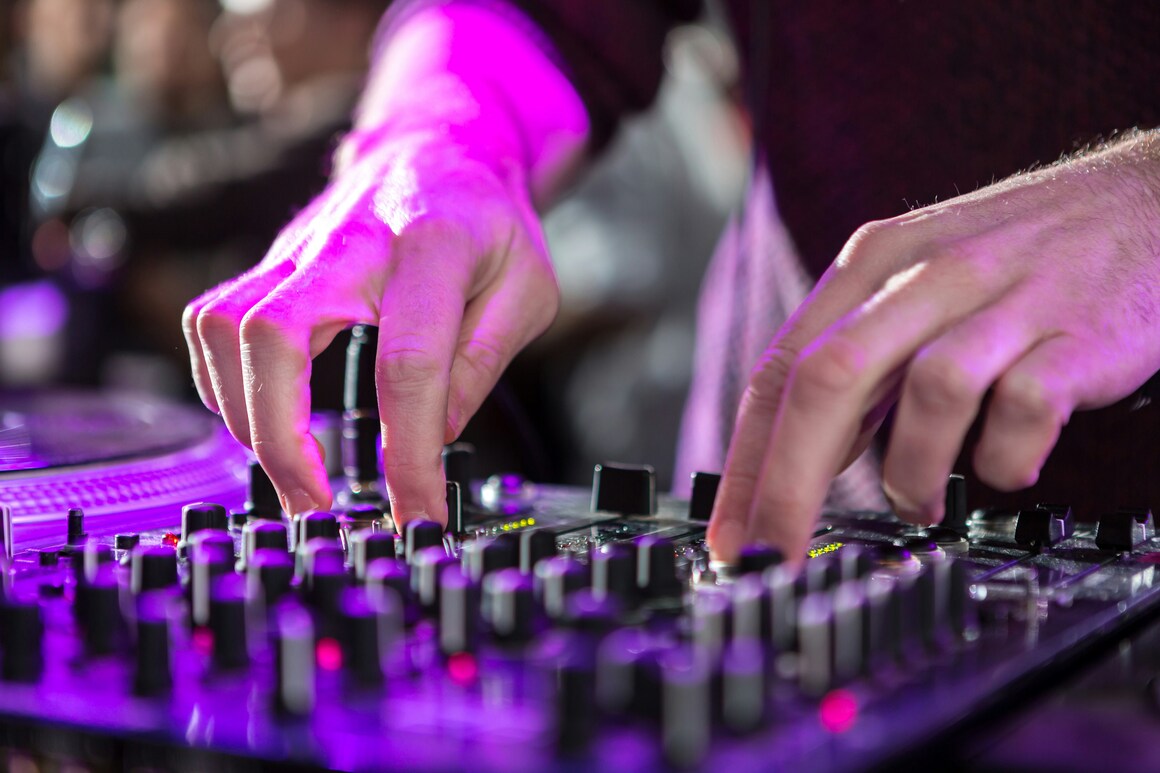
While your decks - whether they be turntables or CDJs - allow the DJ to play music, you will also need a mixer to blend tracks together.
There is a vast array of options for DJs to choose from, again dependent on budget and the amount of space you can access.
There are analogue and digital mixers, the former more popular with audiophiles while the latter can provide more loops, effects and creative options.
One of the most popular mixers include Pioneer's DJM-A9, the successor to the DJM-900NXS2, and upgraded with better sound quality, more connectivity, new effects and improved playability.
If you're looking to invest in your own mixer at home, then some considerations include how many audio sources you are looking to use and the number of channels on your mixer.
For example, a mixer with two channels will enable you to mix between two turntables - but if you are looking to incorporate digital music and other audio sources, then you might want more.
What kind of DJ are you looking to be? Many mixers now come with a range of effects, EQs, filters and more. If you are looking to play hip hop and approach DJing as a turntablist, then you will also need a mixer with a durable and reliable crossfader. This is the part of the mixer that allows you to cut between two tracks and a high-quality one will offer greater control and precision.
Controllers
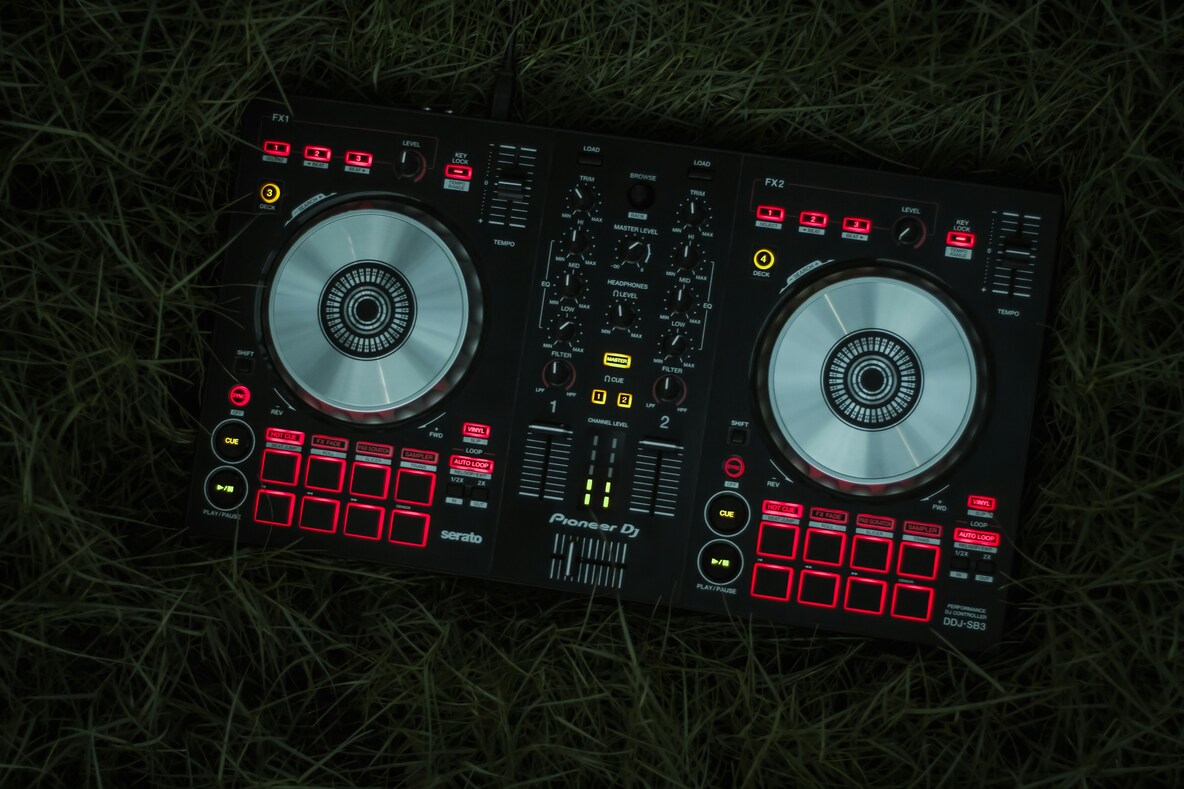
DJ controllers are perhaps the most affordable route into DJing, combining the functionality of your decks and mixer all within one unit.
The most basic start from as little as £70 - this is the price of Numark's DJ2GO2 Touch which is a fantastic entry point for anyone looking to dip their toes into the world of DJing.
However, it is important to remember that you will likely have to pair it with DJ software such as Serato, Traktor, or Rekordbox via a laptop or tablet device. Although some controllers come with built-in speakers (for example Numark's Party Mix II), the majority will need these additional bits of kit.
However, ultimately they're more affordable, beginner-friendly, and versatile for DJs who prefer working with digital music libraries.
Other options include the Pioneer DJ DDJ-400 or Numark Mixtrack Pro FX, which offer great features at an affordable price.
You also need to remember that DJ controllers are designed to work with specific software so you will need to ensure that your device is compatible with whatever you want to use.
DJ software
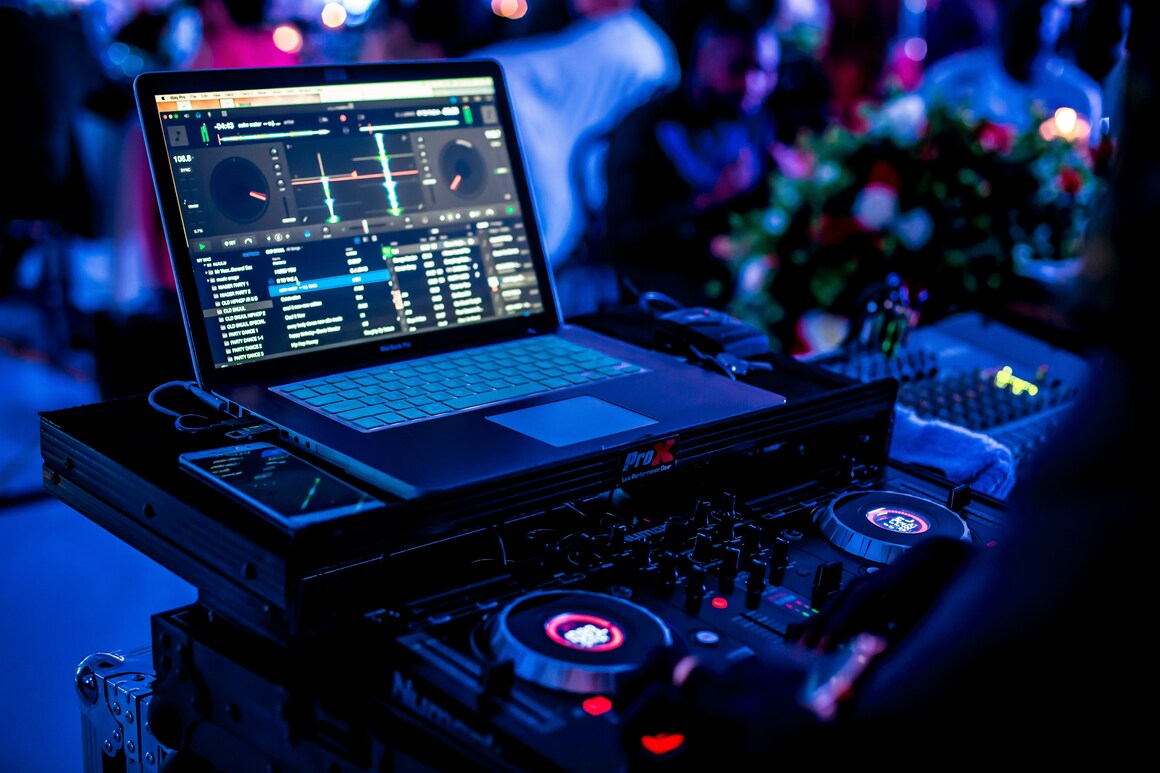
Software like Serato or Traktor can be used as a digital emulation of turntables. Programs like Rekordbox also allow users of software and CDJs to collate entire libraries of music and input information into them such as BPM, which can help when beatmatching tracks.
Serato
Serato DJ is now known as Serato DJ Pro and Serato DJ Lite and is a digital music mixing software that allows DJs to mix music from their computers, often in conjunction with hardware controllers or turntables. It provides a visual interface with waveforms, tools like hot cues, samplers, and effects for creative mixing.
Serato Stems allows users to create a capellas or instrumentals or deliver smooth transitions and mashups in the moment by isolating the vocals, melodies, bass or drums.
Traktor
Traktor is the DJ software from leading music tech firm, Native Instruments. Based in Berlin, the company has been providing state-of-the-art DJ solutions for more than 20 years with Traktor Pro 4 its latest release.
This was seen by many as a major overhaul of its DJ platform that has been universally applauded by users. The changes including long-requested features like flexible beatgrids and stem separation.
It's also given users new stock features that were previously paid extras, such as the Pattern Player and Ozone Maximizer.
Rekordbox
Rekordbox is a DJ software brand by Pioneer DJ, offering music management and performance tools. Known for its intuitive interface, cloud syncing, and AI-based features, it helps DJs organise, prepare, and perform with ease.
Developed by Pioneer, its integration with Pioneer products is partly why it is so popular. Features include track management and organisation, Beatgrid analysis and performance features like hot cues and loops.
It also offers the Lite mode, the a brand new, stripped-back version of Rekordbox built right into the iOS and Android app.
Headphones
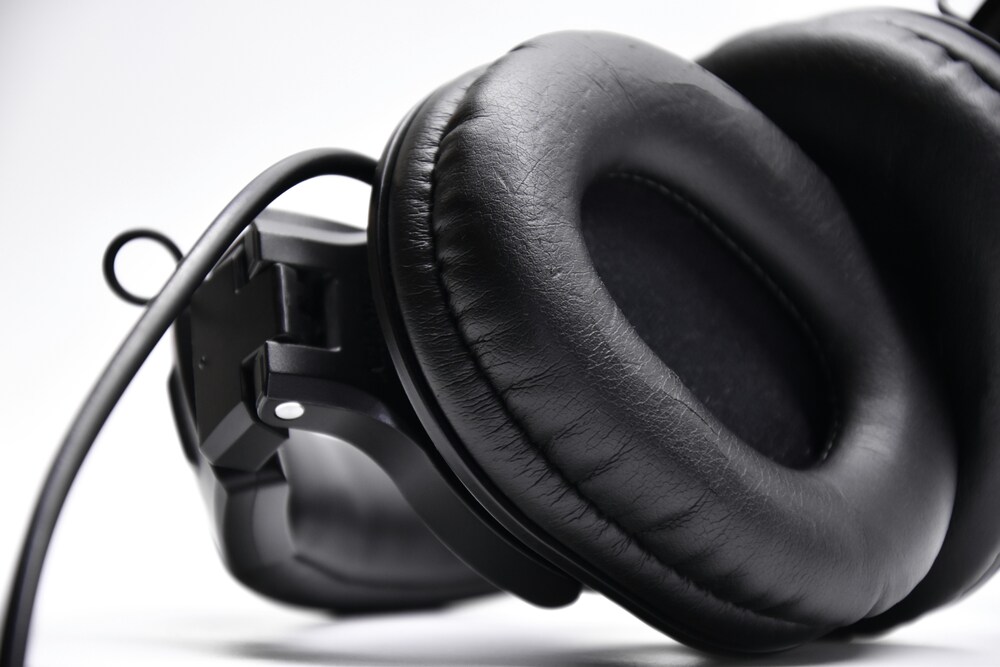
Headphones are to be plugged directly into the mixer. They are used in DJing for 'cueing' or preparing one track, while the other plays out of the speakers to the audience.
Both decks can be heard independently or together and with most mixers, you can adjust the balance between each track in the headphones to enhance the mixing process.
While everyone will have their own personal tastes, the Sennheiser HD 25 is the most universally well-loved. The HD 25s are designed specifically for monitoring, providing high levels of attenuation over external noise and the ability to cope with extreme volumes with ease.
Pioneer DJ's budget headphones take many of the winning design choices from the brand's more expensive HDJs and make them more affordable to beginners in the form of the The Cue 1s."
They have a stylish and pro-feeling design, which can be customised by purchasing replacement coloured ear pads and cables.
Speakers
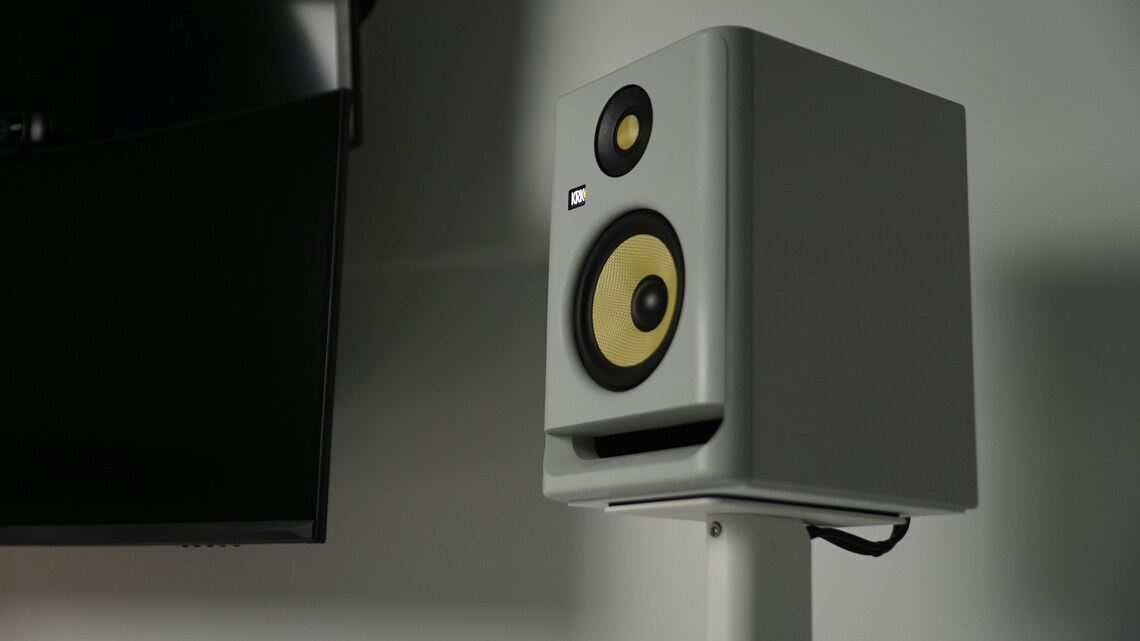
Speakers are so important for both yourself and the audience. To hear the tracks you are mixing, you will require a set of speakers.
Monitor speakers for home studios are favourable among DJs who practice at home. PA Speakers would be an important asset to a DJ setup if you need to supply the sound at a venue e.g. a wedding or small bar without any audio gear.
As with all DJ gear, the type of speakers you invest in can depend on your budget and the amount of space you can spare.
The most recognisable are the KRK speakers with their distinctive yellow cone. Alongside their inspired design, they also sound great too.
DJ essential accessories
It's also very important to remember all of the small but essential items that can help put your DJ set together. These include:
Audio cables | for connecting your gear.
USB cables | for controllers and standalone units..
USB Sticks | for storing, exporting and playing your music library.
Laptop stands | If you're using a controller a laptop stand is a must-have accessory. It keeps your laptop at eye level during performances, ensuring quick access to your music and reducing strain on your neck and back during long sets.
Ultimately, the type of set-up a DJ chooses will depend on their technical ability, professional level, budget and of course personal preferences. Do your research, shop around and work out what equipment works best for you.
Move the crowd, shape the sound
If you dream of dominating the booth, dropping tracks that move the crowd, and producing beats that make people remember your name, our one-year Cert HE DJ & Electronic Music Production course will set you up for success. You’ll learn from experienced DJs, producers and tutors, exploring not only the art of mixing, beatmatching, scratching, and live performance, but also music production, business, branding and entrepreneurial skills. Along the way, you’ll gain access to professional DJ booths, state-of-the-art studios, industry-standard gear, and exclusive masterclasses, while building a network of collaborators, mentors and industry contacts that can take your music further.
Contact the team on 020 7328 0222 or via email enquiries@icmp.ac.uk and start your music career today.
Find out more
If you dream of dominating the booth, dropping tracks that move the crowd, and producing beats that make people remember your name, our one-year Cert HE DJ & Electronic Music Production course will set you up for success. You’ll learn from experienced DJs, producers and tutors, exploring not only the art of mixing, beatmatching, scratching, and live performance, but also music production, business, branding and entrepreneurial skills. Along the way, you’ll gain access to professional DJ booths, state-of-the-art studios, industry-standard gear, and exclusive masterclasses, while building a network of collaborators, mentors and industry contacts that can take your music further.
Contact the team on 020 7328 0222 or via email enquiries@icmp.ac.uk and start your music career today.